Video Ideas for Google Veo 3.1
February 26, 20262 mins
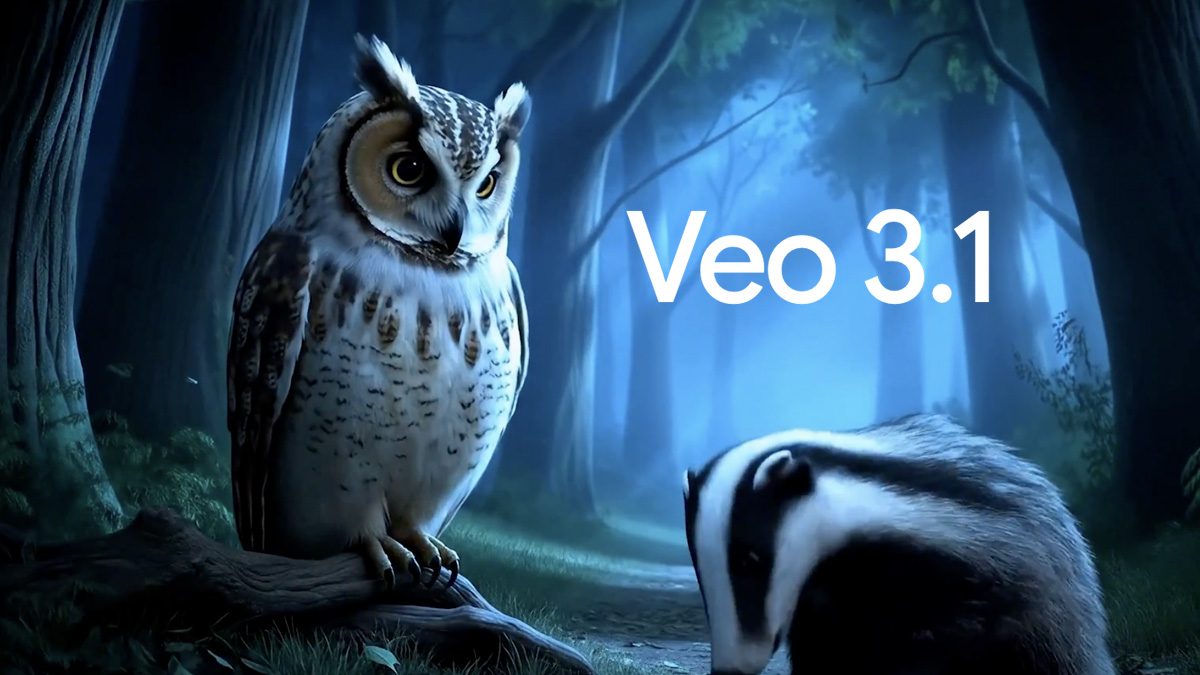
Video ideas for Veo 3.1 on Google with concrete Osirus UI workflows and starter prompts.
Lights, camera, action!
Veo 3.1 on Google is out, and it's a powerful resource for creating video workflows in Osirus AI. Veo models are oriented around cinematic video generation and scene-level prompt control. And if you give it a whirl, you'll see why – in a big screen kind of way.
What you can build with this model
- Storyboard-to-clip generation for product launches and updates.
- Short-form campaign concepts before full production spend.
- Concept validation loops with multiple directions in one session.
Why this model is a good fit
- Good for high-quality visual storytelling concepts.
- Supports creative iteration on motion, style, and pacing.
- Useful in campaign previsualization and narrative exploration.
- Excellent for concept trailers and brand story exploration.
- Model outputs include: Video.
Build flow in Osirus UI
- Open
/videoin Osirus and select Veo 3.1 from Google. - Version your best scene prompts so teams can reuse them in launch cycles.
- Iterate camera language and motion cues before extending duration.
- Generate short draft clips to validate tone and pacing first.
- Save the final workflow as a repeatable pattern for your team.
Starter prompts
- Turn this launch message into a short video narrative with scene-by-scene intent.
- Draft a video prompt optimized for fast iteration with clear camera and pacing guidance.
- Create a 20-second product teaser concept with a beginning, middle, and ending beat.
Production checklist
- Keep versioned prompt presets for recurring campaign styles.
- Iterate with short clip targets before generating longer sequences.
- Specify shot structure, pacing, and scene transitions in the first prompt.
- Test outputs against channel-specific duration and framing constraints.
- Define shot order and visual intent explicitly to reduce drift.
Open this model in Osirus and turn one of these ideas into a reusable team workflow.
Provider Model

Veo 3.1
Veo 3.1